



Adobe Flash Player reached its official end of life on December 31, 2020, leaving a massive gap for users who still rely on legacy web content. Since Adobe no longer provides security patches, keeping the original player on your system poses a significant risk to your data. Today, the challenge isn’t just finding a replacement, but finding a secure environment that can render SWF files and ActionScript without exposing your hardware to vulnerabilities. Whether you are a developer or a retro-gaming enthusiast, these tested alternatives offer the best path forward.
Why You Must Use Secure Flash Alternatives Today
The demise of Adobe Flash Player does not mean that Flash technology is dead. We should keep in mind that Adobe Flash Player was one of the many software programs that could help you view Flash content, such as games, videos, audio, multimedia, and web apps. If you are into any of these things, you may come across a variety of Flash content on the internet.
For instance, you can find a lot of Flash-based games and SWF files. However, we are not talking about fully-fledged graphical games but simple puzzles and a related genre of titles. Therefore, if you want to explore such legacy content, you ultimately need a Flash player alternative.
From a technical security perspective, using unsupported Flash software is a major liability. Our team has evaluated these alternatives based on their update frequency and sandboxing capabilities. Because modern attackers actively target unpatched Flash vulnerabilities, it is vital to use emulators like Ruffle or Lightspark that are built with modern, memory-safe languages. This ensures you can enjoy legacy multimedia without compromising your system’s integrity or opening backdoors for malware.
Top-Rated Adobe Flash Player Replacements for Desktop and Web
#1 Lightspark
For users requiring deep technical compatibility, Lightspark stands out as a premier open-source solution for Windows and Linux environments. While it currently supports approximately 79 percent of Adobe Flash APIs, its active development team ensures that security definitions remain current. In our testing, open-source projects like this provide the transparency necessary for enterprise-level safety, allowing you to run diverse Flash formats within a controlled, modern framework. The best part about Lightspark is that it has a great dev team behind it. In addition, it means you can get regular security updates and feature upgrades.
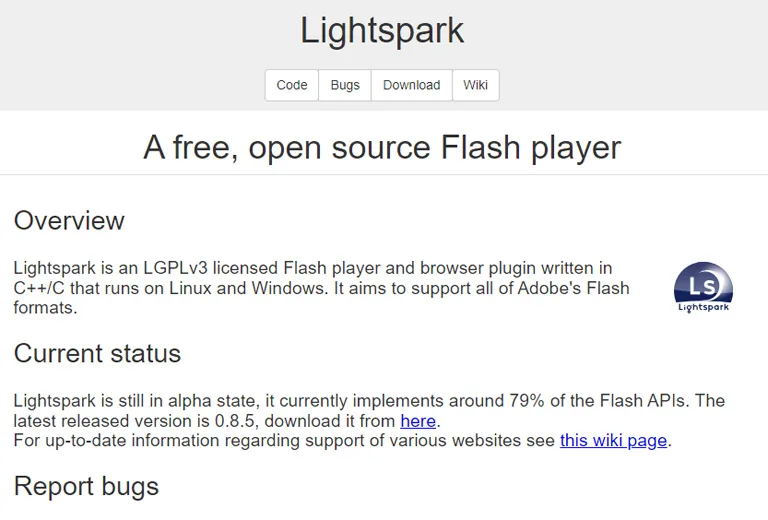
Since it is open-source, you do not have to worry about hidden costs either. Continuous integration support for Lightspark means it is excellent for the future. As of now, Lightspark Flash Player supports 79% of Adobe Flash APIs, but you can see the numbers rising soon enough. You should remember that Lightspark is a standard Flash viewer; it does not have any editing options.
#2 BlueMaxima Flashpoint
If you need a fully-fledged Flash alternative for your PC, you should check out BlueMaxima Flashpoint. It not only allows you to play a variety of Flash content but also to organize the content for easy access. In addition, it means you can have a little collection of Flash apps, games, and SWF files on your computer. Unlike Lightspark, this tool offers advanced editing options as well.

To create such a comprehensive suite, the developers have used Apache and Flashpoint Secure Player. You can use the suite for web-based media as well. Because the project is independent, you do not have to worry about the Flash plugin support, either. You can pick between two versions, Ultimate and Infinity, based on your needs.
#3 SuperNova Player
SuperNova Player is another Flash player alternative that you can consider. Compared to our first two picks, though, it is not that versatile. For instance, you can use the app to launch SWF files only. However, if you want to keep using Flash content now that Chrome has removed Flash support, you should consider installing SuperNova Player.
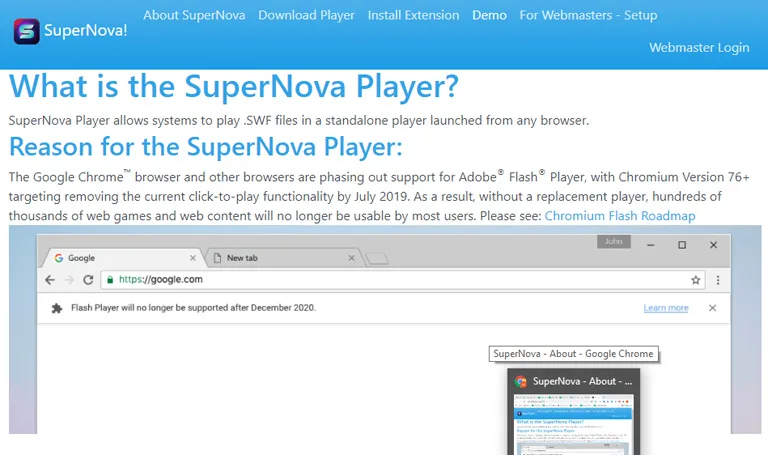
SuperNova Player is available for Windows only, but versions for macOS and Linux are coming soon. The developers believe that big companies like Adobe should not take away the fun from the internet. In this case, installing SuperNova Player means you can enjoy all the legacy Flash content, including those web-based games.
#4 Ruffle
Ruffle is a Flash Player emulator that is built using the Rust programming language. You can consider Ruffle a Flash player alternative for your website or PC. You can also install this Flash player as an extension on web browsers like Google Chrome, Firefox, Edge, and Safari. In addition, Ruffle has desktop apps available for Windows, macOS, and Linux.
Compatibility is an area where Ruffle can improve things, though. Even though it has support for ActionScript 1, ActionScript 2, and ActionScript 3, support is still underway. Therefore, even though Ruffle can handle a variety of Flash content, you may face a few issues while loading SWF files. On the bright side, Ruffle is open source and will stay free.
#5 CheerpX for Flash
You should check out CheerpX for Flash if you need a modern alternative to Adobe Flash Player. Unlike the other tools, it is an HTML5-based Flash emulator. Therefore, if you have a device with HTML5 support, you can use CheerpX for Flash to run any type of Flash content. In addition, the system runs within the browser, and you do not have to worry about complicated installation processes.

You can run flash content from applications and HTTP servers using the CheerpX for Flash app. Because it offers full support for ActionScript 2, ActionScript 3, Flex, and Spark, you do not have to worry about compatibility issues. You should also keep in mind that CheerpX for Flash is entirely secure and offers ease of access to the maximum level.
#6 Lunascape
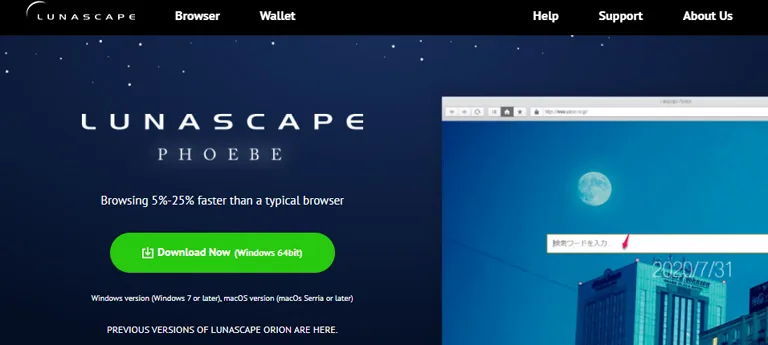
Lunascape is one of the few web browsers that still offer support for Flash content. Now that Chrome has removed support for Adobe Flash, you can shift to Lunascape if you want to enjoy Flash-based games or SWF files. You can also consider using Lunascape as your primary browser because it comes with a built-in ad-blocker and privacy-focused features. The best part is that you can enjoy all these features on your PC and mobile devices with the same ease. As you can guess, Lunascape does not offer an option to edit Flash files or SWF content.
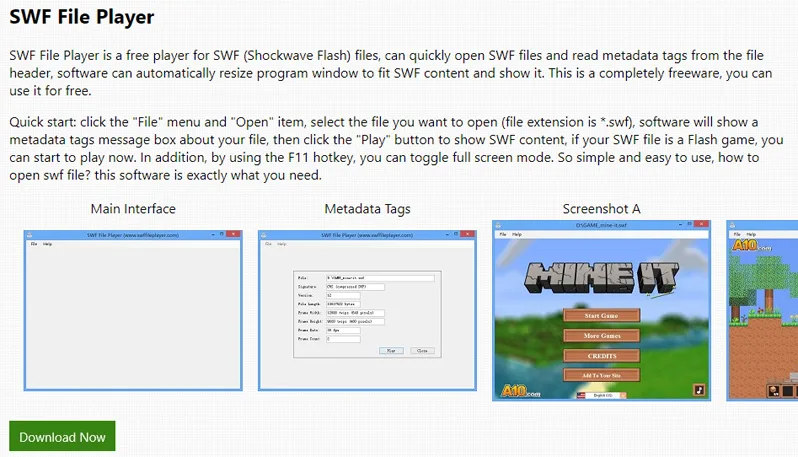
You should check out the SWF File Player if you need a more dedicated Flash Player alternative. As the name says, you can use the app to open SWF files and access the basic data. For instance, it is an excellent option if you want to play SWF-based games on your computer. On the bright side, you can expect maximum compatibility and minimum system resource consumption from the package. Your system must have the. NET Framework is installed to run the SWF File Player. As you can guess, it does not help you run Flash content on your browser.
#7 SWF File Player
#8 OpenSilver
OpenSilver is another Flash Player alternative that hopes to dominate the internet in a few years. It is made as a successor to Silverlight, which reached the end of support. So, if you would like to run an app made for Silverlight, you can rely on OpenSilver, which offers improved speed. The tool has been built with the help of C#, XAML, WebAssembly, .NET, and Microsoft Blazor. Needless to say, you can expect maximum performance from the package. The only problem with OpenSilver is that the installation process can be a little more complicated.
#9 XMTV Player
You can check out XMTV Player if you need a general Flash Player replacement. Unlike the other tools that we have talked about, XMTV Player is a fully-fledged media player. You can use the player to run various content on formats like MKV, MP4, and SWF. Unfortunately, it means you cannot use the application to run Flash content on your web browsers. You may also have trouble running Flash-based applications through the player. On the other hand, Flash-based videos should work fine. So, if you have a collection of SWF content, you do not have to look further.

#10 Quick Flash Player
Quick Flash Player is another way to run Flash files from your computer. It is a lightweight package and does not confuse you with a lot of buttons. Instead, you can rely on the simple interface to get the job done. If you have a few Flash-based games on your hard drive, Quick Flash Player must be able to run them properly. You can also explore features like full-screen viewing and zoom functions. By the way, you also have an option to convert SWF content into Windows EXE files so that you can get the maximum speed and support for the content.
#11 FlashFox Flash Browser

#12 Photon Flash Player and Browser

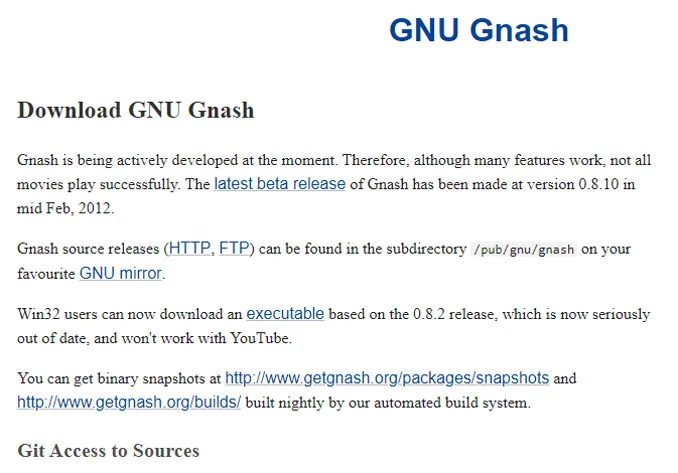
#13 Gnash from GNU
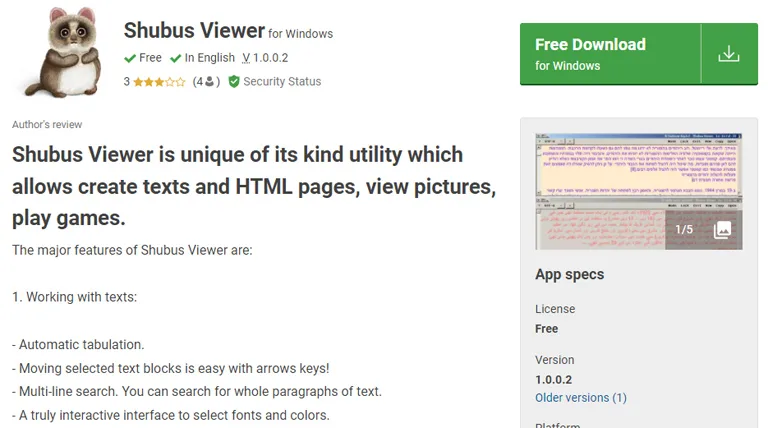
#14 Shubus Viewer
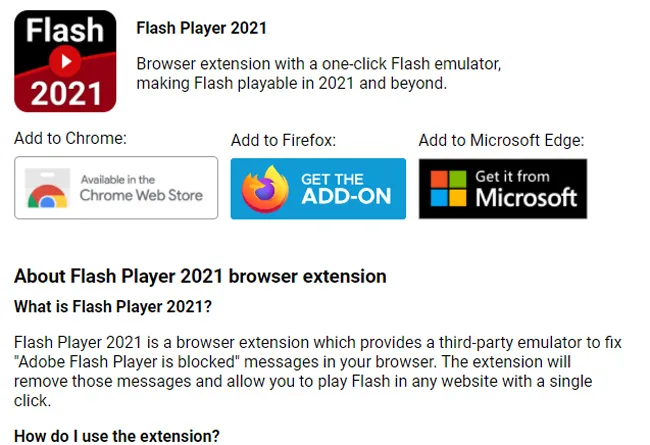
#15 Flash Player 2021
Frequently Asked Questions

What will Chrome use instead of Flash?
What technology is replacing Flash player in 2021?
The Bottom Line
We hope the article helped you find the best way to keep running your favorite Flash content on your PC or browser. As you can expect, we do not recommend the use of Adobe Flash anymore. If you ask us, you must shift to an HTML5-based alternative that is faster and more secure.

Leave a comment
Have something to say about this article? Add your comment and start the discussion.